Automated Reminders
Reduce no-shows by 80% with smart appointment, payment, and event reminders.
Automate Appointment, Table, and Service Alerts on WhatsApp
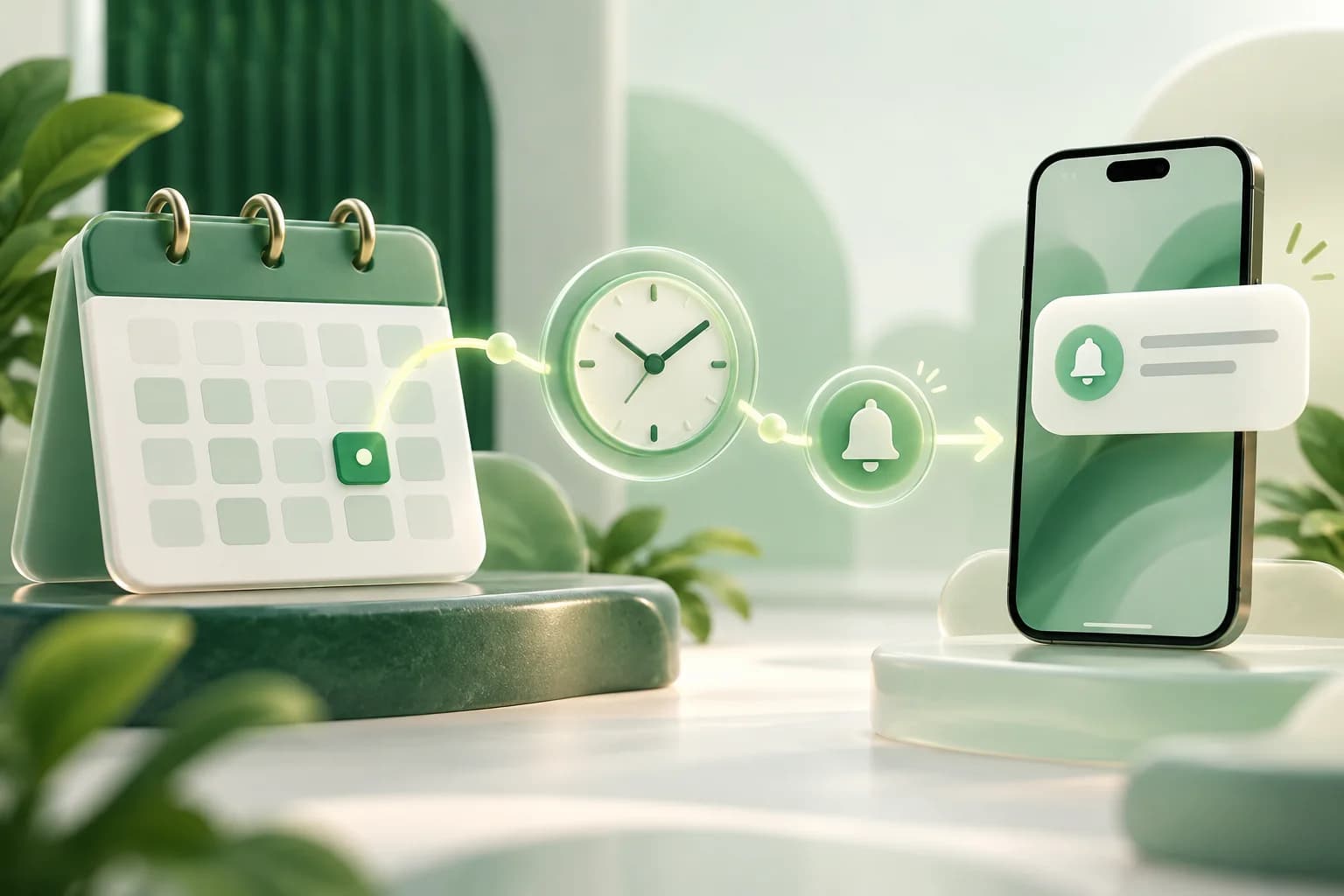
Cut no-show rates by up to 80% and ensure customer punctuality. WACM's built-in Reminders module connects appointment bookings, table reservations, and consultation schedules directly with Meta-approved WhatsApp Utility templates.
Unlike generic broadcast tools, WACM pre-schedules tailored WhatsApp messages the moment an appointment is booked, populating dynamic booking data (start time, provider/table, and booking reference) and automatically pruning pending messages if an appointment is rescheduled or cancelled.
How WACM Reminders Work:
- Define Booking Sources: Organize categories, doctors, bays, tables, or staff members (e.g., Dr. Sharma, Executive Boardroom, Table 4, or All Sources).
- Select Approved WhatsApp Template: Select a pre-approved Meta Utility template from the Template Library or create your own with dynamic placeholders.
- Configure Trigger Rules: Set timing offsets such as 24 hours Before event (for confirmation), 2 hours Before event (for directions), or 2 hours After event (for service reviews).
- Map Dynamic Reservation Variables: In Step 2 of the reminder builder, map template placeholders to dynamic reservation fields:
- Start Date: Date of booking (e.g.
2026-10-15) - Start Time: Start time with timezone (e.g.
14:30:00) - Start Date & Time: Combined datetime string
- End Date & Time: Scheduled completion time
- External Reference: Unique calendar ID or booking code (e.g.
RES-8921) - Contact Name & Phone: Customer details from CRM
- Start Date: Date of booking (e.g.
Rescheduling & Cancellation Safety:
Customer schedules change. When an appointment is rescheduled in WACM (via the Team Inbox Sideapp, Admin Portal, or REST API), pending unsent scheduled messages are automatically cleared and rescheduled with the new time. If an appointment is cancelled, all pending messages are purged immediately to prevent embarrassing, obsolete alerts.
AI Flowmaker & Event Integration:
Connect your reminders with visual conversational flows. WACM dispatches native triggers for reservation_created and reservation_cancelled, allowing you to trigger instant multi-channel confirmations, staff email alerts, or customer re-engagement surveys automatically.
Best Practices for WhatsApp Reminder Templates:
- Strictly Utility Category: Keep reminder copy 100% informational. Avoid promotional discount codes or sales offers in the message body so Meta approves the template as Utility (the lowest conversation rate tier).
- The Two-Touch Strategy: Schedule the first reminder 24 hours in advance to allow easy rescheduling, and a second brief reminder 1–2 hours before arrival with directions or entry instructions.
- Quick-Reply Action Buttons: Include buttons like "Confirm Attendance", "Need Directions", or "Reschedule" to automate customer responses directly in your WhatsApp inbox.
Get started with Automated Reminders
- Confirm access. Make sure your WACM plan and team role include this capability.
- Configure the workflow. Open the relevant WACM workspace, add the required business data, and set the rules or audience for your use case.
- Test before launch. Run a controlled test with a real contact or order, review the result, then publish your workflow.
Frequently asked questions
How does template selection work for automated reminders?
When creating a reminder rule in WACM (via Campaigns > Reminder mode or Reminders > Add New Reminder), select any Meta-approved WhatsApp template. In Step 2 (Personalize), you map the template variables to dynamic reservation fields like Start Date, Start Time, Provider Name, and Booking Reference.
How much do WhatsApp reminders reduce no-shows?
Businesses typically see a 70-80% reduction in no-shows. WhatsApp reminders have 98% open rates compared to 20% for email, making them significantly more reliable.
What happens if a customer reschedules or cancels their booking?
WACM includes automatic pruning protection. If an appointment's date or time is modified, old pending scheduled messages are deleted and recalculated. If an appointment is cancelled, pending reminders are deleted immediately.
Can I schedule multiple reminder touchpoints for one appointment?
Yes! You can attach multiple reminder rules to the same booking source—for example, sending one alert 24 hours Before the event, a second alert 2 hours Before the event, and a review request 2 hours After the event.
What Meta template category should reminder messages use?
Always use Meta's UTILITY category for reminders. Utility templates provide the lowest per-message pricing from Meta and near-instant approval, provided the message body contains strictly appointment information without marketing promotions.
Need help setting this up?
Our team can help you plan the right WACM workflow.