WACM.in Logo
WhatsApp Business API for growing teams

Turn WhatsApp Conversations Into Customers

Run campaigns, automate follow-ups, and manage customer conversations in one shared inbox. See how WACM can support your sales and service workflows.

No obligation
Guided onboarding
WhatsApp expert support
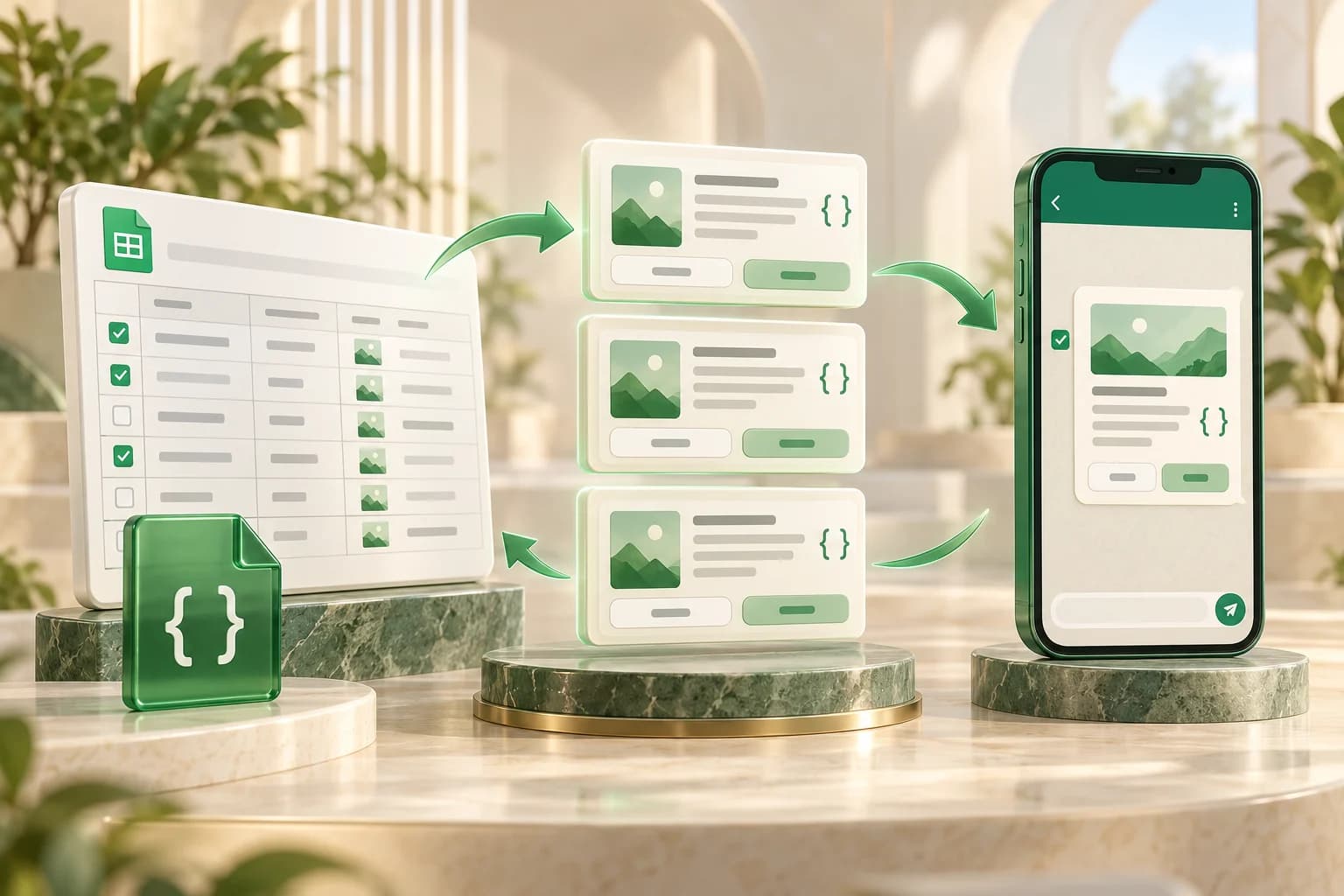
Illustration of WhatsApp messaging connected to campaigns, analytics, and customer support
Campaigns, automation, and team conversations in one platform.

Seamlessly integrates with your favorite tools

Shopify
Razorpay
WooCommerce
Meta / Facebook
Zapier
OpenRouter (AI)

Team inbox

Manage customer conversations

Keep your team working together

Campaigns

Reach opted-in customers

Organize targeted WhatsApp outreach

Automation

Build repeatable workflows

Support sales and customer follow-up

Guided setup

Prepare your WhatsApp account

Get help with your next step

Built For Your Industry

Whether you are selling physical goods, running agency campaigns, or scaling a support team, WACM has you covered.

For E-Commerce & D2C

Sell More With WhatsApp Native Stores

Transform browsers into buyers with in-chat catalogs, AI-powered product searches, and automated abandoned cart recovery.

Automated abandoned-cart follow-up
Native in-chat Razorpay checkout
Automated order tracking & updates
AI natural language product discovery

Interactive E-Commerce & D2C Dashboard Demo

Flagship Features

Connect in Seconds, Scale Without Limits

Four game-changing features that set WACM.in apart from every other WhatsApp platform.

One-Click API Onboarding

Guided Setup, Connect Your Number

Connect your Meta business account through embedded signup. Eligible WhatsApp Business numbers can use Parallel Mode; availability and setup time depend on Meta requirements and your account.

Parallel Mode

Use an eligible WhatsApp Business number alongside the API. Confirm eligibility before planning your migration.

Plan Your Connection

Review your account and number setup with our team before connecting your business.

Facebook Embedded Signup

One-click authentication handles tokens, WABA discovery, phone registration, and webhook setup automatically.

No Token Expiry

System user tokens are long-lived. No manual regeneration or expiry anxiety.

See How It Works
Embedded Signup - Setup Preview
1

Click "WhatsApp Setup"

Opens Facebook's embedded signup UI

2

Select Your WhatsApp Account

Choose existing number or get new one

3

Connected & Ready!

Tokens, webhooks, phone - all configured automatically

Your Number: +91 90335 XXXXXParallel Mode
Visual AI Flow Builder

Build Complex AI Chatbots Without Code

A visual flow builder for WhatsApp workflows. With 38+ node types across 7 categories, build anything from simple FAQ bots to multi-step conversational AI that understands context and makes intelligent decisions.

38+ Node Types

Text, AI prompts, conditions, delays, API calls, Commerce payments, and more.

Document Training

Upload PDFs, websites, FAQs to create vector embeddings for semantic AI search.

Real-Time Execution

Monitor every flow execution, track performance, and optimize continuously.

Explore Flow Builder
Flow Builder - Customer Support Bot

Welcome Message

Trigger: Customer starts chat

AI Prompt Node

Search knowledge base + respond

Commerce Payment

Process payment via Razorpay

WhatsApp Store - Product Catalog

AI Product Search

Powered by OpenRouter

"Show me red shirts under ₹1000"

Shirt 1
Shirt 2
Shirt 3

Cart Recovery Workflows

Automated abandoned checkout messages

In-Chat Checkout

Complete orders without leaving WhatsApp

WhatsApp eCommerce Store

Your Complete Storefront Inside WhatsApp

Transform WhatsApp into a fully functional eCommerce platform. Customers browse your catalog, search with AI-powered natural language, add to cart, and complete checkout - all within WhatsApp.

AI Natural Language Search

Customers type "red shirts under 1000" and get relevant results instantly.

Abandoned Cart Recovery

Follow up on abandoned checkouts with automated WhatsApp messages to opted-in customers.

Full Order Management

Track orders, update status, and manage payments from your dashboard.

Explore eCommerce Store
Commerce & Payment Lifecycle

Automated Payments Driven by AI Flows

Generate Razorpay payment links from AI flows, send them via WhatsApp, and automatically trigger workflows when payments succeed. Complete payment lifecycle management - from links to subscriptions to refunds.

AI Flow Payment Links

Generate payment links with dynamic amounts, descriptions, and customer data from flow variables.

7 Event Triggers

Payment received/failed, subscription activated/renewed/cancelled/expired, refund processed.

Enterprise Security

HMAC-SHA256 verification, encrypted secrets, deduplication, and webhook retry system.

30+ Payment Variables

Amount, method, UPI VPA, bank, fees, tax, customer details - all available in your flows.

Explore Commerce
Commerce - Payment Lifecycle

Payment Link Generated

₹2,499 • Premium Plan • Razorpay

https://razorpay.me/invoice/abc123

Payment Received

UPI • john@paytm • ₹2,499 captured

Flow Triggered

Send thank you + activate subscription

Why choose WACM

Your next customer conversation.
Your next step forward.

Bring WhatsApp campaigns, team conversations, and AI automation into one platform—so your team can move from first enquiry to follow-up with a clear process.

  • Keep your team in the conversation
  • Build around the way you work
  • Understand your plan before you start

What matters most to your business?

Open a benefit to see how the workflow fits together.

Keep the conversation moving

One shared inbox. A clear next step.

Give your team a shared place to manage WhatsApp conversations, assign an owner, and add internal notes. Keep customer context close when someone else takes over.

  1. Customer starts a chat
  2. Assign the right teammate
  3. Reply with context

For teams managing sales and support together.

Explore the team support workflow

Build a repeatable follow-up

Turn your process into a WhatsApp workflow.

Use the visual flow builder to connect replies, conditions, and actions. Start with a common question or lead enquiry, then build the next step around your business.

  1. Choose a trigger
  2. Build the conversation
  3. Connect the next action

For businesses ready to automate repeatable conversations.

See the visual flow builder

Connect outreach to the conversation

Campaigns and customer replies, together.

Organize opted-in audiences, send approved WhatsApp templates, and review campaign reporting. Bring the replies back to your team so outreach can become a useful conversation.

  1. Choose your audience
  2. Send a relevant template
  3. Follow up on replies

For teams nurturing leads and reconnecting with customers.

Explore WhatsApp campaigns

Choose the right fit before you commit

A plan you can evaluate against your needs.

Compare subscription features, team limits, and monthly or annual billing. Bring your workflow to a demo to review account eligibility, integrations, and separate Meta messaging charges.

  1. Map your use case
  2. Compare plan limits
  3. Plan your setup

For buyers who want to understand the workflow and cost.

Compare plans and billing

Bring one workflow. See how WACM fits.

Request a free 15-minute demo focused on your sales, support, or follow-up process. We’ll contact you to arrange a time.

Explore before you commit

See the details.
Decide with confidence.

A good fit starts with clear answers. Explore the templates, setup guidance, and plan details behind your next WhatsApp workflow.

Message examples

Start with a message your customers need.

Explore WhatsApp template examples for business moments such as enquiries, order updates, and reminders.

What to check
  • Choose a relevant customer moment
  • Confirm customer opt-in
  • Adapt the template for your business
Explore message templates

Templates must meet Meta requirements and may need approval before use.

Setup guidance

Know what your first launch involves.

Read the getting-started guide to understand account setup and prepare your team before sending your first campaign.

What to check
  • Review your business account setup
  • Check phone-number eligibility
  • Plan a first workflow to test
Read the setup guide

Setup requirements depend on your Meta account and the workflow you choose.

Plan details

Make the numbers work for your team.

Compare subscription features, usage limits, and billing periods with the way your business plans to use WhatsApp.

What to check
  • Match agent limits to your team
  • Compare monthly and annual billing
  • Allow for separate messaging charges
Compare subscription plans

Meta messaging charges are separate from the WACM platform subscription.

Want to see how it fits your business?

Bring your questions to a free 15-minute demo. We’ll contact you to arrange a time and focus on the workflow you want to build.

Request my free demo
Transparent Pricing

Choose Your WhatsApp Plan

Compare monthly and annual subscriptions. Annual prices are shown as a monthly equivalent, paid yearly. Meta messaging charges are separate.

Starter

Yearly Perfect for small businesses starting with WhatsApp marketing

₹299/mo
₹499/moSave 40%

Billed ₹3,588 yearly

  • 10,000 conversations/mo
  • 20 campaigns/mo
  • 3 team members
  • 10,000 platform credits
  • Team Collaboration (3 features)
  • Support (3 features)
Get Started
Compare this plan

Business Growth

Yearly For growing teams that need more power & AI

₹599/mo
₹999/moSave 40%

Billed ₹7,188 yearly

  • 30,000 conversations/mo
  • 50 campaigns/mo
  • 5 team members
  • 30,000 platform credits
  • Team Collaboration (4 features)
  • Priority Support (3 features)
Get Started

Professional

Yearly For growing businesses scaling their WhatsApp presence

₹999/mo
₹1,999/moSave 50%

Billed ₹11,988 yearly

  • 1,00,000 conversations/mo
  • 100 campaigns/mo
  • 10 team members
  • 1,00,000 platform credits
  • Team Collaboration (5 features)
  • Priority Support (4 features)
Get Started
💡

How Pricing Works

Your total cost has two parts:

  1. WACM Platform Fee — The plan price above covers our software: team inbox, AI automation, campaigns, integrations, and support tools.
  2. Meta Messaging Charges — Meta charges for delivered messages according to category and recipient market, with free messaging conditions. Review the current rate card for your usage; these charges are separate from your WACM subscription.
View Meta's messaging pricing →

Need a custom solution? Contact our sales team for enterprise pricing.

Got Questions?

Frequently Asked Questions

Everything you need to know about WACM.in and WhatsApp Business API. Can't find what you're looking for? Contact our support team.

Still have questions? Get in touch with our team.

Ready to Grow with WhatsApp?

See how WACM can fit your sales, support, or retention workflow in a free 15-minute consultation.

Tailored to your use case
Guided setup
Official API onboarding