
Customer Journey Tracking
Visualize and automate your sales pipeline with Kanban-style journey stages.
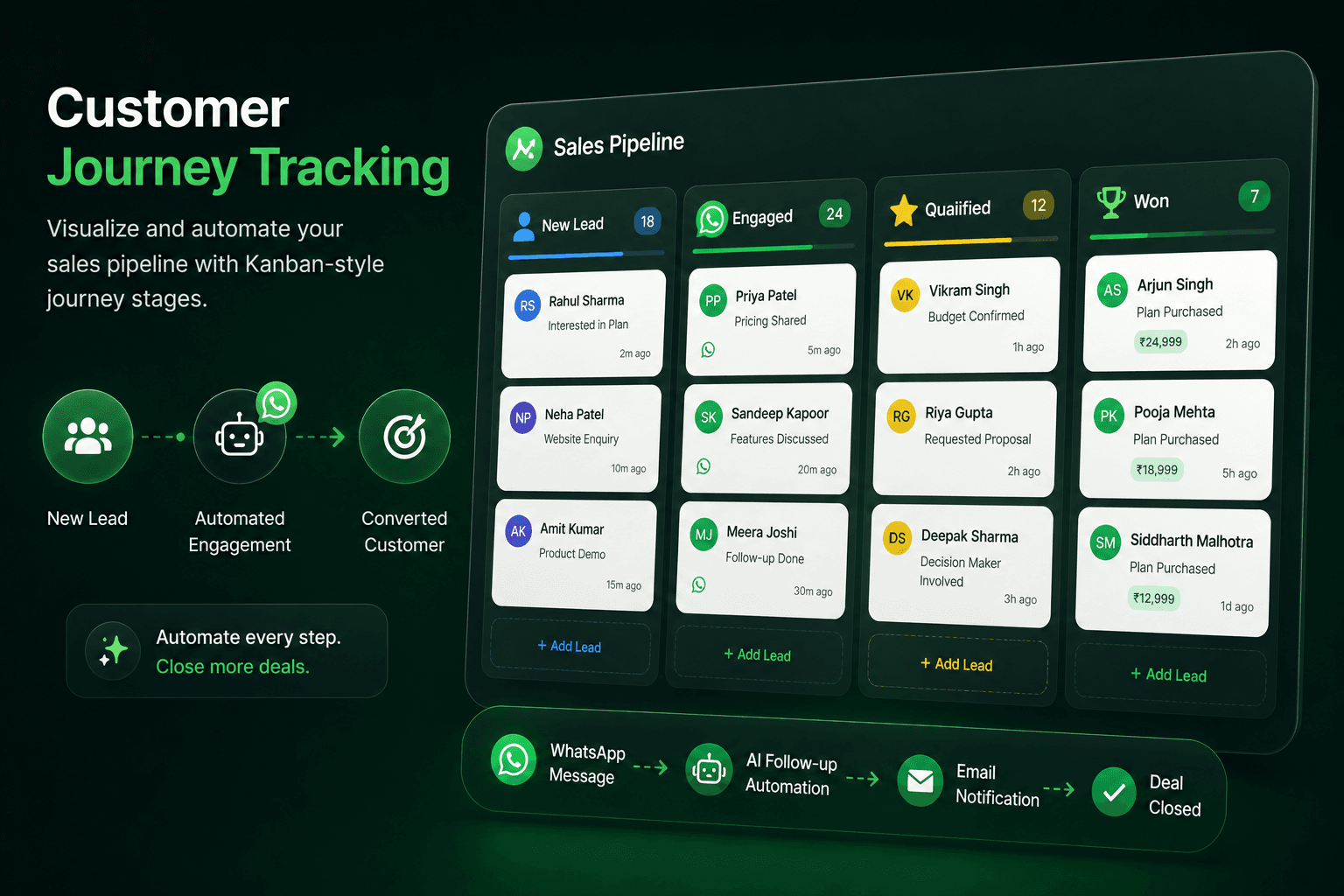
From Lead to Loyalty, Every Step Tracked
Map your entire customer journey with customizable stages. Our Kanban-style interface lets you visualize where every contact is in your pipeline - from new leads to active customers to loyal advocates.
Automate stage transitions with triggers and campaigns. When a contact moves to a new stage, automatically send a WhatsApp message, assign a task, or update their profile. This ensures no lead falls through the cracks and every customer receives timely, relevant communication.
Journey Stages:
- New Lead: First contact with your business.
- Engaged: Responded to messages or interacted with content.
- Qualified: Met criteria for sales follow-up.
- Proposal: Received pricing or proposal.
- Customer: Completed first purchase.
- Loyal: Repeat customer with high engagement.
- Advocate: Actively refers new customers.
Automation Rules:
Set up automated triggers for stage transitions. When a contact completes a purchase, automatically move them to "Customer" stage and send a welcome message. When a lead goes inactive for 30 days, move them to "Nurture" and start a re-engagement campaign.
Key Benefits:
- Kanban Pipeline: Visual drag-and-drop interface for contact management.
- Automated Transitions: Trigger campaigns and actions on stage changes.
- Custom Stages: Build journeys that match your unique sales process.
- Performance Insights: Track conversion rates between stages.
Get started with Customer Journey Tracking
- Confirm access. Make sure your WACM plan and team role include this capability.
- Configure the workflow. Open the relevant WACM workspace, add the required business data, and set the rules or audience for your use case.
- Test before launch. Run a controlled test with a real contact or order, review the result, then publish your workflow.
Frequently asked questions
What is customer journey tracking?
A Kanban-style interface that visualizes where every contact is in your sales pipeline. Drag and drop contacts between stages and automate actions on transitions.
Can I customize the journey stages?
Yes. Create stages that match your unique sales process. Common stages include New Lead, Engaged, Qualified, Proposal, Customer, Loyal, and Advocate.
What happens when a contact moves stages?
You can automate stage transitions. When a contact moves to a new stage, automatically send a WhatsApp message, assign a task, or update their profile.
Can I track conversion rates?
Yes. Monitor conversion rates between stages to identify bottlenecks in your sales process and optimize your pipeline.
Need help setting this up?
Our team can help you plan the right WACM workflow.