
Import/Export Contacts
Easily migrate contacts with Excel import/export and custom field support.
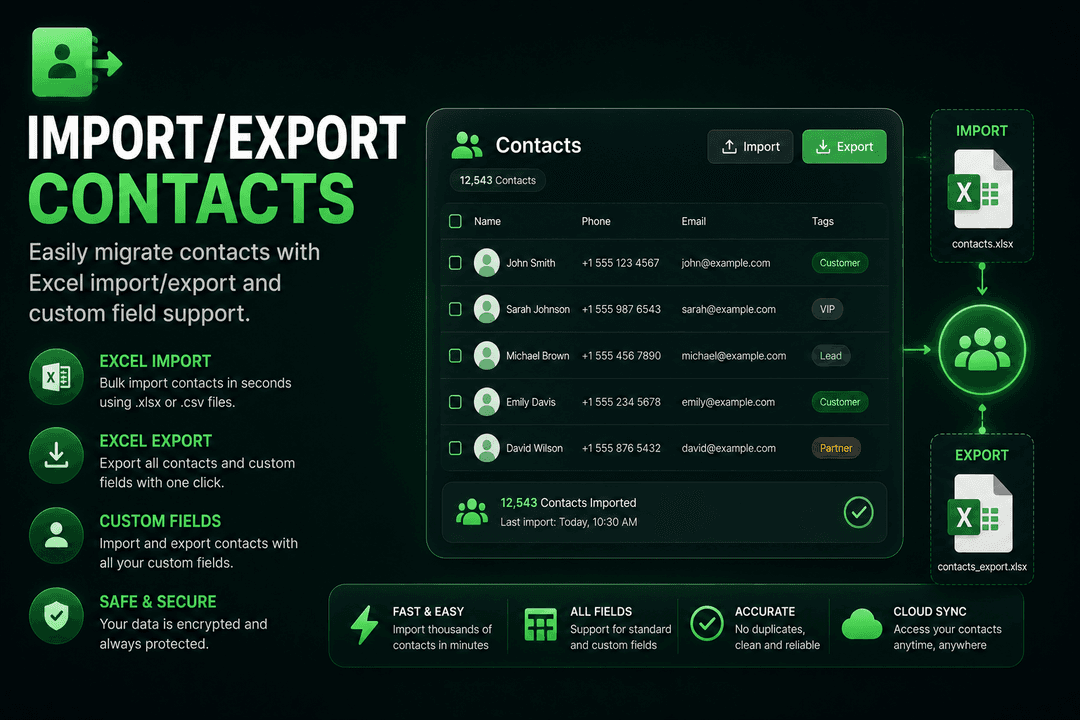
Seamless Data Migration
Moving from another platform? Import your existing contacts via Excel with our built-in import wizard. Map columns to custom fields, handle duplicates intelligently, and get your contact list ready in minutes.
Export contacts for backup, analysis, or migration to other platforms. Our system supports custom contact fields, so you can store any data point that matters to your business - from purchase history to preferences to engagement scores.
Import Features:
- Excel Upload: Support for .xlsx and .csv file formats.
- Column Mapping: Map spreadsheet columns to WACM contact fields.
- Custom Fields: Import data into unlimited custom fields.
- Duplicate Handling: Intelligent deduplication based on phone number.
- Preview & Validate: Review imported data before committing.
- Batch Processing: Handle large files with chunked processing.
Export Features:
- Full Export: Download all contacts with complete data.
- Filtered Export: Export specific groups or segments.
- Custom Fields: Include custom fields in export.
- Format Options: Export as Excel (.xlsx) or CSV.
- Message History: Option to include conversation data.
Key Benefits:
- Excel Import: Bulk upload contacts with intelligent column mapping.
- Custom Fields: Create unlimited custom fields for any data point.
- Export Anytime: Download contacts for backup or analysis.
- Duplicate Handling: Smart deduplication prevents redundant entries.
Ready to Use This Feature?
Our experts are here to show you how Import/Export Contacts can transform your business communication.
Request a ConsultationFrequently Asked Questions
What file formats are supported for import?
Excel (.xlsx) and CSV (.csv) files. Upload files of any size with our batch processing system.
How does column mapping work?
During import, map your spreadsheet columns to WACM contact fields including name, phone, email, and any custom fields you've created.
How are duplicate contacts handled?
Smart deduplication based on phone number prevents redundant entries. You can choose to skip, update, or merge duplicates during import.
Can I export specific segments?
Yes. Export all contacts or filter by groups, segments, or custom criteria. Include custom fields and optionally include conversation history.