
WhatsApp & Email OTP Verification
Verify customer phone numbers and email addresses with configurable one-time codes, request tracking and guided WhatsApp verification.
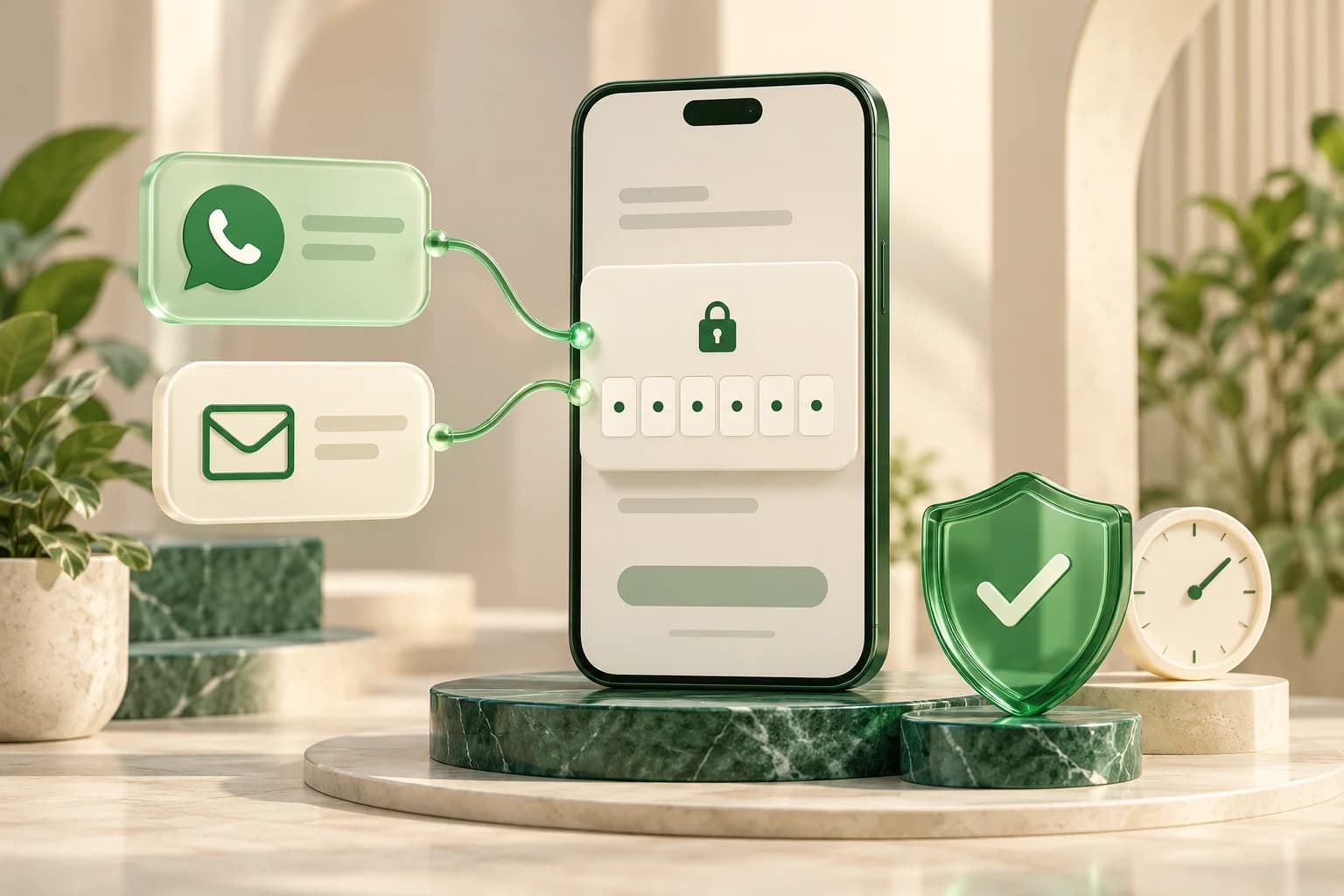
One Verification Workflow for WhatsApp and Email
Help customers verify a phone number or email address during sign-up, account access or a user-requested recovery step. WACM's Verification Hub brings WhatsApp OTP and email OTP into one workflow, with configurable code rules, delivery templates and a result your application can check before continuing.
Your team manages verification profiles in the dashboard while your developer connects the request, verify, status and resend operations to your website or app. Choose the delivery channel for each request and keep the verification experience consistent with your product.
Send OTPs through WhatsApp or Email
For WhatsApp verification, connect your business account and configure an approved authentication template with the verification code mapped to its message and supported OTP button. For email verification, configure email delivery and the profile's email template. Customers receive a code through the channel selected by your integration.
- WhatsApp OTP: Deliver verification codes through your configured WhatsApp Business account and authentication template.
- Email OTP: Send codes to a customer's email address using your configured mail delivery.
- Purpose-based templates: Associate verification templates with the channel and purpose of the request.
- Separate profiles: Manage different verification rules and API keys for your application's use cases.
Your application can offer both channels. Switching channels or providing a fallback is a choice your developer implements; configuring two channels does not automatically switch a failed request.
Control Code Rules and Repeated Requests
Choose numeric or alphanumeric codes, set their length and expiry, and define the allowed verification attempts. Manage pending-code reuse and the duration of cached verification results to suit the action being verified. Match WhatsApp code settings to the requirements of your approved authentication template.
Profile controls also include request-frequency limits, velocity limits and lockout settings. Optional reCAPTCHA can be configured for always-on, risk-based or attempt-based checks. These controls help manage repeated requests and invalid attempts; your application still decides when to permit sign-in, recovery or another protected action.
Offer a Guided One-Click WhatsApp Option
When the account's WhatsApp bot phone is configured, the API can return a WhatsApp app link and a web link for a verification request. Your application can invite the customer to open WhatsApp and send the prefilled verification message, then check the request status for completion.
The customer takes the action in WhatsApp. Your integration checks the verified result before proceeding. This option depends on the account configuration and the customer's access to WhatsApp.
Track Verification Requests and Results
Use the dashboard's request logs and verification analytics to investigate attempts and review activity. Developers can retrieve the current request status, verify a submitted code and request a resend. The configuration endpoint supplies active code rules and available WhatsApp actions so your interface can show the relevant code fields, expiry information and next step.
- Request status: Check whether a request is pending, verified, expired or blocked.
- Resend support: Give customers a way to request another code while handling the profile's limits and API responses.
- Request logs: Review verification activity when troubleshooting a customer's experience.
- Verification analytics: Review outcomes and channel activity in the reporting workspace.
Connect Verification to Your Customer Journey
Use WACM verification to confirm contact details during registration, validate a requested account-recovery step, or add a verification step to checkout. Your application owns its sessions, authorization and recovery rules; verifying control of a phone number or inbox is one part of that flow.
Start with the OTP verification setup guide, then share the Verification API reference with your developer. Review WhatsApp authentication template guidance and your WACM plan before enabling delivery. WhatsApp template approval, account readiness and applicable message charges affect the channel you configure.
Ready to Use This Feature?
Our experts are here to show you how WhatsApp & Email OTP Verification can transform your business communication.
Request a Consultation