
CRM integrations
WhatsApp CRM Integration: Connect Your Existing CRM to WACM
Connect an external CRM, web form, or automation tool to WACM CRM. Plan one-way lead capture, field mapping, deduplication, and WhatsApp follow-up.
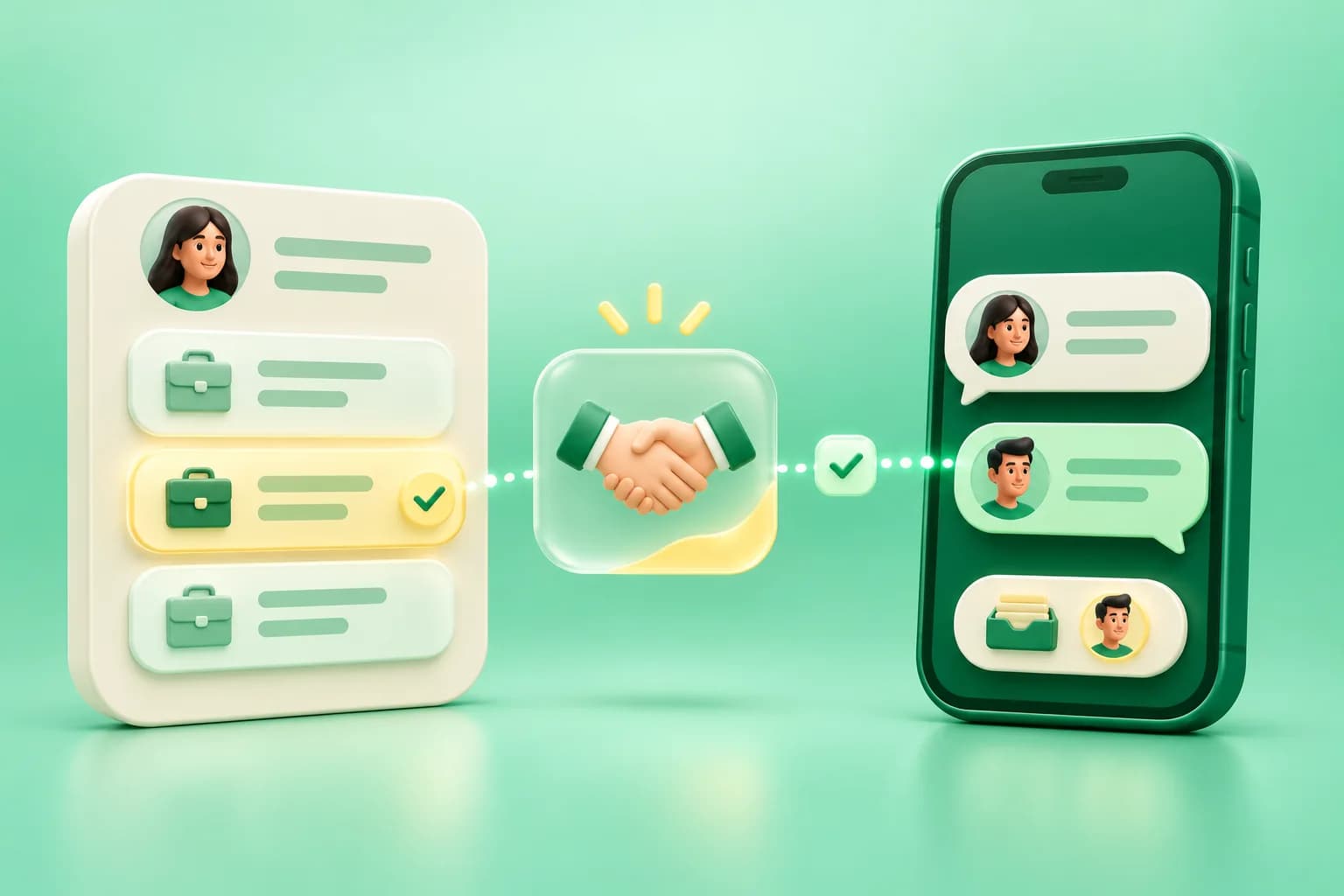
Your sales team can keep its existing CRM and use WACM to work selected enquiries over WhatsApp. For example, a form submission can create a deal in your sales CRM and send the requested product, region, and contact details to WACM so an agent can answer from a shared inbox. Start with one lead source and one handoff to see exactly where records and conversations need to meet.
Choose how leads reach WACM
- CRM workflow or webhook. If a CRM such as Zoho CRM, HubSpot, or Salesforce can trigger an outbound action in your setup, have that action call your integration backend or middleware. Transform the event into WACM’s expected request and submit it with an authorized token. The exact trigger and available actions depend on your CRM configuration.
- Middleware such as Zapier or Make. Use a tool your team already operates to receive CRM or form events, map fields, and call WACM’s authenticated endpoint. Keep the WACM token in the tool’s secure credentials or server-side connection settings.
- Website form or internal app. Have your backend validate the form, save your own submission reference, and send eligible leads to WACM. Keep the bearer token out of browser code.
These patterns use WACM’s CRM API. If you need updates written back to another CRM, design that flow separately and verify which events, fields, and permissions each side supports. For the dedicated IndiaMART Push pilot, follow the IndiaMART enquiry guide.
Map the fields your WhatsApp team needs
The authenticated POST /api/v1/crm/leads/ingest endpoint requires a name and phone number. It accepts optional fields including email, title, requirement, value, currency, source, pipeline, and stage. Store a short requirement the agent can act on, such as “Asked for a wholesale price list for 50 units.” Use a source label the team can recognize, and map pipelines or stages to valid WACM IDs when your workflow sets them explicitly. WACM CRM lead ingestion reference.
Decide where ownership and deal stages are updated. For example, the sales CRM can own deal value and outcome, while WACM owns who replies in WhatsApp and when the enquiry needs follow-up. Store the original CRM record ID and WACM lead ID together in the integration so a salesperson can find both records later.
Handle duplicates before you turn on automatic retries
Contact identity and enquiry identity serve different purposes. One buyer may submit two legitimate requests, while one request may be delivered twice by an integration after a timeout. Track each source record or event ID and its processing result. If a request times out after submission, reconcile it before sending another create call.
The ingestion endpoint creates an enquiry for each accepted call. For an API workflow that already knows the WACM contact ID, the separate POST /api/v1/crm/leads create operation supports an idempotent creation_key. Reuse the same key when retrying creation of the same enquiry. Confirm the supported fields and use the API’s version value when updating an existing lead where required. WACM CRM lead creation and update reference.
Test one handoff all the way to the inbox
- Create a sample quote request in the source CRM and verify that the intended WACM pipeline contains the right contact, product, and source label.
- Replay the same source event in the integration and confirm that the duplicate rule produces one enquiry.
- Check that an agent can find the enquiry, see the next action, and continue the conversation from the shared inbox.
- Test an invalid phone number, an unavailable API, and an opt-out. Decide which system records permission and verify that an ineligible contact does not receive a WhatsApp follow-up.
Use WACM’s team inbox for replies and CRM lead management for ownership and next actions. Confirm with your team which CRM records the final sale. Review created leads, failed handoffs, duplicate attempts, and response time during the pilot before you add a second source.
Frequently asked questions
Can I connect Zoho CRM, HubSpot, or Salesforce to WACM?
A CRM that can pass lead data through a webhook, backend integration, or middleware can use WACM’s authenticated CRM API. Check the available automation features in your CRM and plan.
Does the WACM lead ingestion API keep both CRMs in sync?
Lead ingestion creates an enquiry in WACM. Any write-back to the source CRM requires an additional integration workflow.
How can I prevent duplicate leads from webhook retries?
Track the source event ID and reconcile uncertain responses before calling ingestion again. When you already know the WACM contact ID, the separate lead creation endpoint supports an idempotent creation key.
Have Questions?
If you want to learn more about the WhatsApp API or how WACM.in can help your business, we're here to chat.
Contact Our Experts