
WhatsApp Business Platform
WhatsApp Business API in 2026: How It Works and When Your Business Needs It
A practical 2026 guide to the WhatsApp Business Platform: Cloud API, customer-service windows, templates, team inboxes, automation, onboarding, and costs.
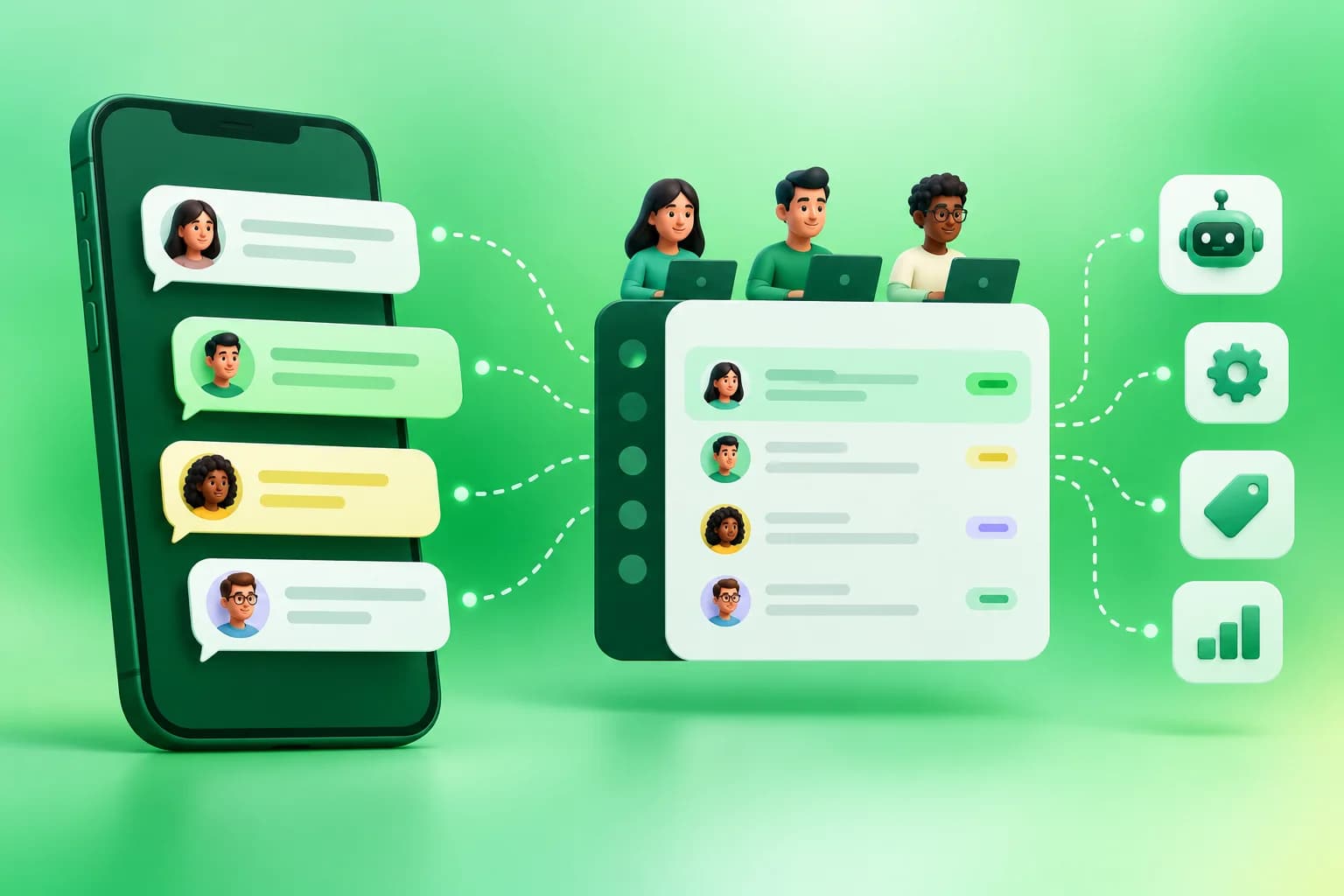
The short answer: the WhatsApp Business Platform gives a business programmatic ways to send and receive WhatsApp messages, connect customer conversations to its systems, and coordinate work across a team. The Cloud API is the Meta-hosted messaging interface. A platform such as WACM adds a shared inbox, campaign and automation tools, and onboarding around that interface. It does not remove Meta's account, template, consent, or messaging requirements.
Business App, Business Platform, and Cloud API: which is which?
The WhatsApp Business App is the phone-based experience many small teams start with. The Business Platform provides APIs for larger or more integrated operations. Cloud API is the Meta-hosted API for that platform. A software layer can use Cloud API to route messages to a team inbox, trigger workflows, sync customer context, or measure campaign outcomes. A business can also explore Business App and API coexistence for an eligible existing number; that is a specific onboarding path, not an automatic feature of every number.
What changes when you move to the API?
Think in workflows rather than message volume alone. A sales team may need an owner for every lead, a support team may need escalation when a bot cannot help, and an online store may need order updates tied to real commerce events. The API makes these connections possible, but the outcome depends on the software and processes built around it.
- Customer messages: incoming enquiries can be routed, tagged, and answered by an agent or supported automation.
- Business-initiated messages: approved templates support appropriate outreach and updates outside the customer-service window.
- Integrations: a CRM, store, payment system, or internal service can supply context and trigger relevant messages.
- Accountability: assignment, notes, reporting, and audit trails depend on the platform you choose.
How the customer-service window works
When a customer messages a business, Meta's current pricing guide describes a 24-hour service window that resets with each new customer message. Within that window, a business can respond using service messages. Outside it, a business generally needs an appropriate approved template to start or resume a conversation. The distinction matters for both customer experience and cost; it is not a licence to send unsolicited promotions. Meta's pricing guide is the primary place to check the current rule and any free-entry conditions.
Templates are part of the operating model
Meta distinguishes marketing, utility, and authentication template purposes. An abandoned-cart reminder is a marketing use case; an order confirmation for an actual purchase is a utility use case; a one-time verification code belongs in Meta's dedicated authentication format. Exact copy, variables, buttons, language, and category must be configured and reviewed. Build an opt-in process for the messages you intend to send, and stop outreach when a customer opts out. Browse example templates as drafts to adapt, not as pre-approved assets.
What does onboarding involve?
- Choose the use case: name the first workflow, the team that owns it, and the result you will measure.
- Prepare the business: verify who administers the Meta business portfolio, which number will be used, and what customer permissions you hold.
- Connect the account: complete the applicable Embedded Signup or provider onboarding flow and confirm number eligibility.
- Test inbound and outbound: check customer replies, webhook delivery, template approval, contact context, and human handoff.
- Launch gradually: start with a small, consented audience and monitor delivery, quality, opt-outs, and support load.
Do not plan around a universal “one-minute setup” promise. Eligibility, verification, and the state of the existing number affect the actual path. If your team already uses the Business App, review the coexistence checklist before selecting a connection mode.
How do you budget?
Separate the software subscription from Meta's messaging charges and your team's operating costs. Meta's current public guide describes charging by delivered message, category, and recipient market, with specific free-message situations and volume tiers. A platform plan may have separate limits or credits. Use a small forecast by destination market and message purpose rather than multiplying every send by one headline rate. Our India budgeting worksheet shows the method.
Who should use it?
A single operator with a manageable number of conversations may be comfortable in the Business App. Consider the Platform when customer conversations need multiple owners, system-triggered updates, structured campaign measurement, or integration with sales and support work. Before buying, ask for a demonstration of your first workflow, how a customer opts out, and how the platform treats exceptions. That is more useful than choosing by a feature count.
Sources and freshness
Reviewed 1 October 2026 against Meta's WhatsApp Business Platform pricing guide and Meta's official API collection. Meta can change eligibility, pricing, and messaging rules; confirm the latest documentation during implementation.
Frequently asked questions
Is the WhatsApp Business API the same as the Business App?
No. The Business App is a phone-based interface; the Business Platform exposes APIs for programmatic messaging and integrations. Eligible Business App numbers may use a specific coexistence onboarding path.
Can I send messages without templates?
A business can reply within the customer-service window under current rules. Starting or resuming conversations outside that window generally calls for an approved template suited to the message purpose.
Is Meta messaging included in my software subscription?
Treat Meta messaging charges and your software subscription as separate cost layers unless your signed plan says otherwise.
Have Questions?
If you want to learn more about the WhatsApp API or how WACM.in can help your business, we're here to chat.
Contact Our Experts