
WhatsApp Cloud API
WhatsApp API Message Status Webhooks: Why Messages Stay on Sent
Understand WhatsApp Cloud API sent, delivered, read, and failed events. Diagnose stuck messages with Meta message IDs, webhook logs, and WACM reporting.
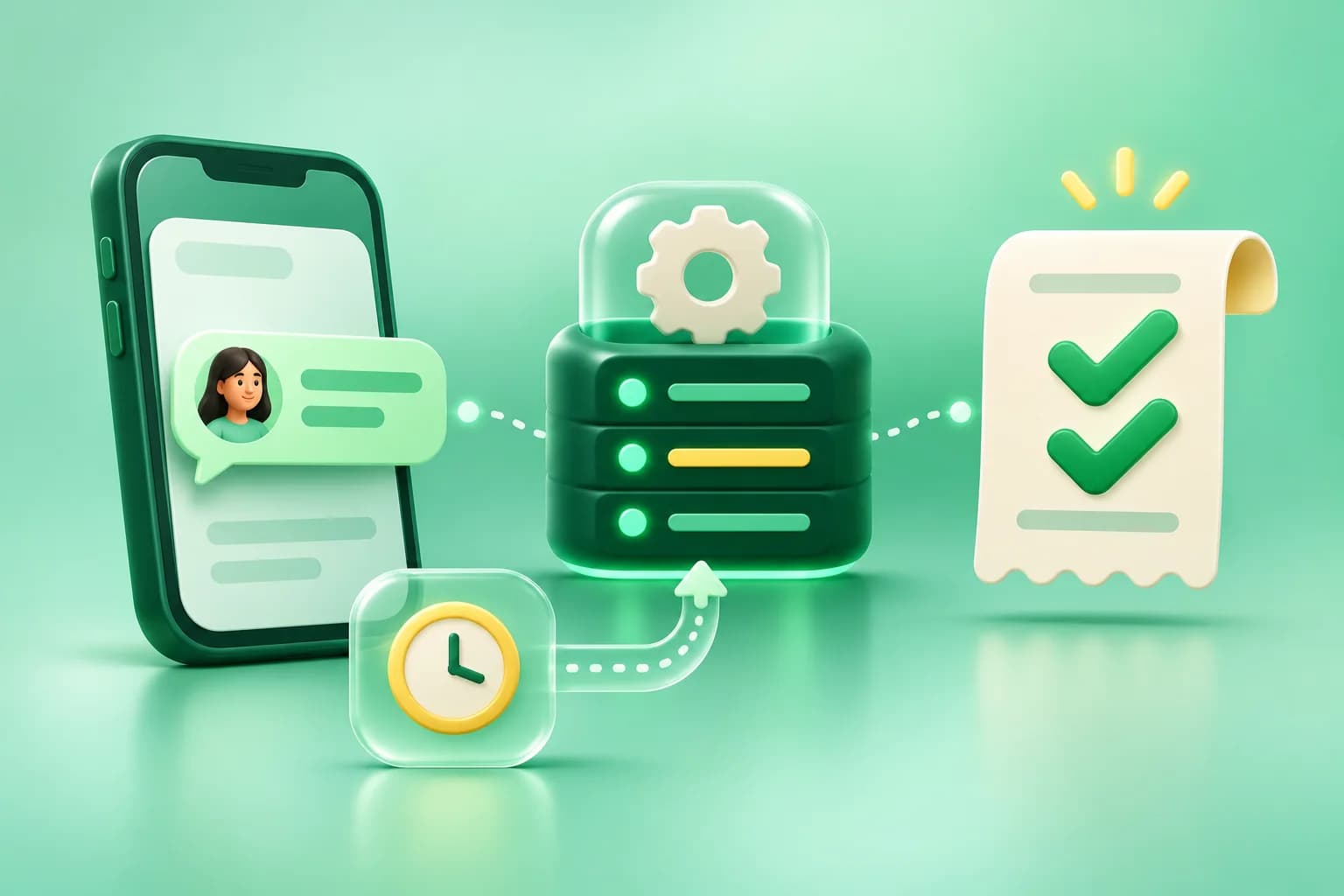
Your WhatsApp campaign has finished sending, but part of the audience still shows Sent. Before retrying, pick one affected message and trace it. A send response, a recipient delivery receipt, and a campaign report tell you about different stages. Understanding which stage the message reached helps you avoid sending a duplicate while diagnosing the issue.
What accepted, sent, delivered, read, and failed mean
- Accepted by the API: a successful request can return a Meta message ID, commonly called a WAMID. Save that ID alongside the local message so later events can be matched to the right send.
- Sent: Meta reported that the message was sent. A later delivery or failure event provides more evidence about the outcome.
- Delivered: Meta reported delivery to the recipient’s device.
- Read: Meta reported that the recipient read the message. Use a reported read as a separate signal and avoid treating the absence of one as proof of failed delivery.
- Failed: Meta reported a failure. Inspect the error details before deciding whether a retry would help.
Outgoing status events are sent in the statuses array of a WhatsApp messages webhook. Match statuses[].id to the message ID from the send response. The same recipient may have several active sends, which makes recipient and timestamp alone poor matching keys. Meta’s messages webhook reference.
Diagnose one stuck message before retrying the campaign
- Find the original send. Record the local message ID, time sent, business phone number ID, and provider message ID. If the provider ID is missing, investigate the send response and how the ID was stored.
- Find webhook evidence. Search for that provider ID in status events, scoped to the correct account or phone number. List which events were received and when. A later receipt can give more information than the initial
sentevent. - Check processing. If a delivery or failure receipt exists but the message still says Sent, follow the receipt through the worker to the stored message. Check for wrong account routing, a message row that was not ready when the receipt arrived, and jobs that stopped or exhausted retries.
- Compare the database and the screen. If the stored status is right and the report or conversation view is behind, investigate refresh and reporting logic. If no later receipt was stored, check callback access logs, signature verification, and the account’s webhook subscription.
Consider a campaign where a later delivered event reached the callback but a delayed sent job ran afterward. A system that simply saves the last status it processed can move that message backwards. Review event history and the saved state together before calling it a delivery failure.
Make the webhook consumer safe to retry
For a direct Cloud API integration, validate the incoming webhook, save a durable receipt before returning HTTP 200, and process it asynchronously. Deduplicate repeat deliveries, preserve the Meta message ID and an internal correlation ID, and make the final message update conditional so concurrent jobs cannot downgrade a newer state. If the message row or account mapping is still being saved, retain the receipt for a later match and make exhausted work visible for investigation.
Meta retries failed webhook deliveries for up to seven days. An HTTP 200 acknowledges the webhook request, so your own queue and recovery process must handle work that fails after that response. Monitor the age of unprocessed receipts, worker failures, and unmatched status events. Verify the full path with a controlled send whose receipt you can trace. Meta’s webhook delivery and retry guidance.
How WACM helps campaign operators
Use WACM Campaign Analytics to compare campaign send, delivery, read, and failure counts. If an individual message stays on Sent, capture its campaign, sending number, send time, and visible status before escalating. Share the local message or provider ID with the team investigating the integration, when available. That gives them a specific event to trace through Meta and WACM instead of a single total for the whole batch.
Start a retry decision with the actual failure reason. A rejected template, a temporarily unavailable recipient, and a callback processing problem each need a different response. Keep a short incident record with the affected number, time range, receipt evidence, and confirmed outcome so the next report can be compared with a known baseline.
Frequently asked questions
Does a successful WhatsApp API response mean the message was delivered?
No. It confirms acceptance of the API request and can return a message ID. Look for a separate delivered status event to confirm delivery.
Can a WhatsApp status webhook arrive more than once?
Yes. Meta may retry webhook delivery. Store a stable receipt identity and apply status changes idempotently.
Should I resend a WhatsApp message stuck on Sent?
Trace the original message first. Look for its provider ID and any later status receipt. Resending an unresolved original can give the customer a duplicate.
Have Questions?
If you want to learn more about the WhatsApp API or how WACM.in can help your business, we're here to chat.
Contact Our Experts