
Real estate
WhatsApp for Real Estate: Turn Enquiries Into Site Visits
Qualify property enquiries, book and confirm site visits, and track attendance with WACM CRM. Includes WhatsApp message examples and a practical checklist.
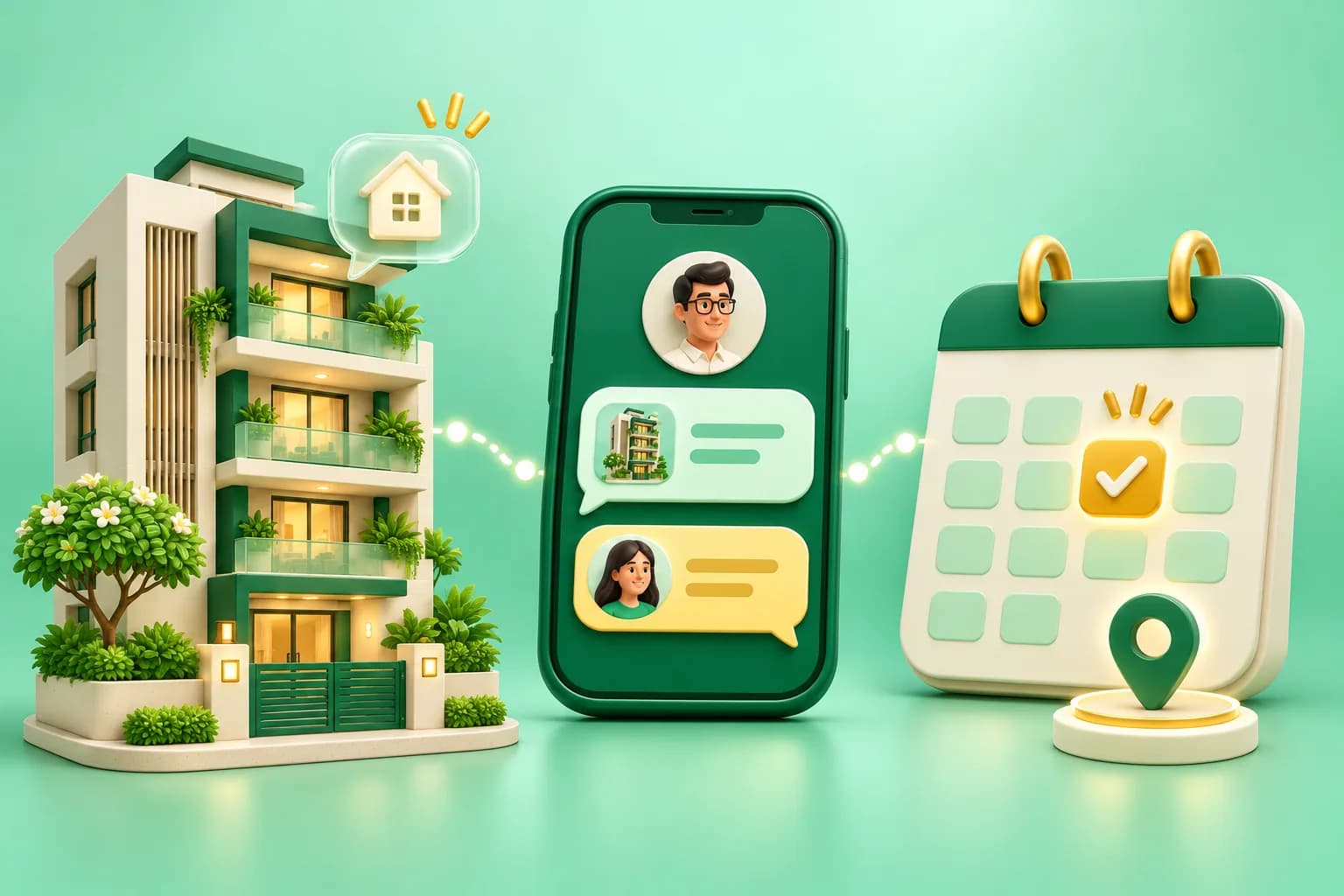
It’s Friday afternoon. A buyer messages about a two-bedroom flat and asks if they can visit on Sunday. One agent sends the brochure, another asks which project they mean, and the buyer still has no time or meeting point. The enquiry looks active in the inbox, but nobody has booked a visit.
Here’s a way for property teams to use WACM to carry an enquiry from the first WhatsApp reply to an attended viewing. Start with one project so a salesperson can see where each visitor came from, who owns the appointment, and when the buyer actually arrived.
Answer the buyer’s question before qualifying the lead
If the buyer asks whether a unit has a balcony, answer from the current project information or say who will check. Then ask the one question that helps you offer a suitable next step. “Thanks for asking about the two-bedroom homes at Green Court. Are you hoping to visit on Sunday morning or afternoon?” is a useful opening if the buyer has already named the project. If they are comparing locations, ask about locality before offering a tour.
Keep the first reply short. You can collect budget band, preferred configuration, purchase timeline, or source as the conversation progresses. Use the WACM Flow Builder for routine questions and hand the thread to an agent when availability or pricing needs a live check.
Give each visit a real owner and an exact location
- Record the source and the project. Keep ad, portal, website, or referral context on the enquiry so agents know what the buyer saw. Use a source label your sales team can recognise.
- Offer times the site team can staff. Check the calendar or ask the on-site owner before confirming. If the buyer says “Sunday afternoon,” reply with available times and record the one they choose.
- Confirm the visit in one message. Include the date, time, project, exact entrance or map pin, and a way to ask for a change. If the sales office and sample flat are at different addresses, name the actual meeting point.
- Record the outcome. Give a confirmed visit its own stage and mark attendance after the team verifies it. Set a next action for a reschedule, a second visit, or a buyer who has asked for more information.
Use WACM CRM lead management for stages and follow-up tasks. Put the handoff in the shared inbox as a short internal note, such as “Two-bedroom enquiry, Sunday 3:30 PM, meet at North Gate, buyer asked about visitor parking.”
Two WhatsApp messages to adapt
Confirmed visit: Hi {{1}}, your visit to {{2}} is confirmed for {{3}} at {{4}}. Please meet {{5}} at the sales office entrance on this map: {{6}}. Reply here if you need to change the time.
After the visit: Hi {{1}}, thanks for visiting {{2}} today. You asked about the balcony dimensions. Would you like me to share the current floor plan for the unit we saw?
Use accurate project details, honour the customer’s communication preferences, and use the appropriate approved template when Meta requires one. Keep appointment messages focused on the visit. Verify availability and terms against the current listing before sharing them. WhatsApp Business Messaging Policy.
Find the step that loses visits
In a hypothetical week, 40 enquiries turn into 18 qualified leads, 12 confirmed visits, and 8 attended visits. Attendance among confirmed bookings is about 67%. Review the four missed visits before changing your ads. Were times confirmed without a map pin? Did a proposed slot get counted as booked? Did the customer reschedule but the CRM still show the old date? Start with the failure pattern that appears more than once.
Apply the workflow to one project, brief the on-site owner, and use the first week’s chats to improve the handoff. The WACM real-estate industry guide has additional workflows for property enquiries and site-visit reminders.
Frequently asked questions
What should a real-estate site-visit confirmation include?
Include the project, exact date and time, meeting point or map pin, the person to meet, and how the buyer can request a change.
How can I track site visits in WACM?
Record a lead’s owner, stage, visit date, and next action in CRM. Count a visit as attended only after the site team confirms it.
How do I improve attendance before increasing ad spend?
Measure confirmed and attended visits separately, then review missed visits for recurring problems such as unclear directions, unrecorded changes, or unconfirmed times.
Have Questions?
If you want to learn more about the WhatsApp API or how WACM.in can help your business, we're here to chat.
Contact Our Experts