
Campaign strategy
WhatsApp Marketing Segmentation: Build Better Campaign Audiences
Segment WhatsApp marketing by consent, customer intent, and timing. Includes audience rules, suppression checks, template examples, and a holdout test.
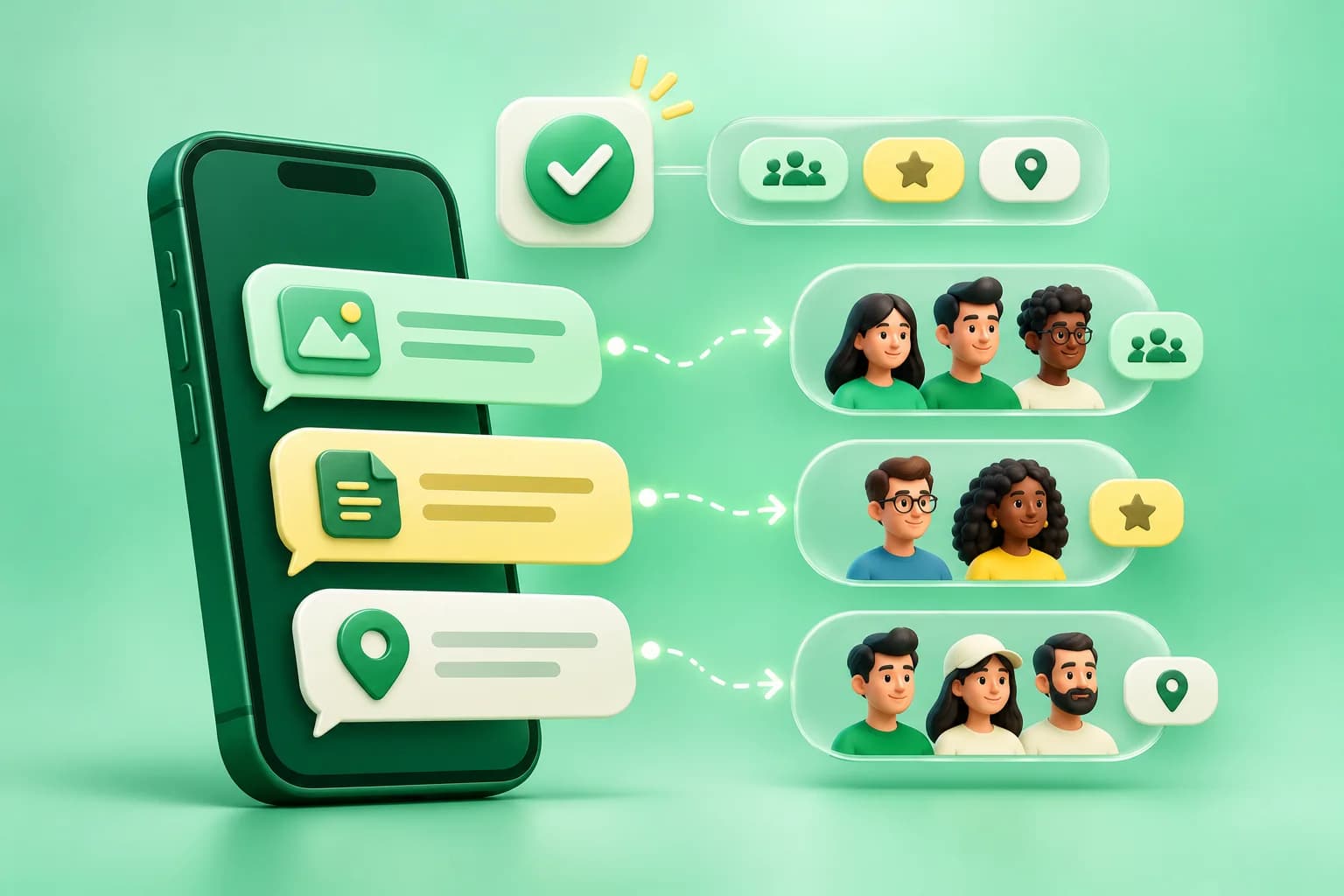
Imagine two people in a footwear store’s WhatsApp list. One asked to hear when a particular size returns. The other bought last week and is waiting for delivery. Sending both the same sale message misses the reason each person would want to hear from you. A good WhatsApp marketing segment starts with a customer action and a reason to send now.
A practical audience rule has three parts: who is eligible, what makes the message relevant today, and who must be excluded. Write those rules before choosing a template or uploading contacts.
Build the audience from consent and customer intent
For marketing outreach, keep a record of who agreed to receive messages from the business, what they agreed to, how they opted in, and when. Preserve the source and wording so your team can distinguish a request about one product from permission for recurring offers. Apply opt-outs across your sending workflows and honor unsubscribe requests. WhatsApp Business Messaging Policy.
Useful segmentation fields include the product or service requested, last purchase or enquiry date, store or region, preferred language, and the most recent marketing send. Keep only fields that your team can collect and maintain reliably. A known product interest is more useful than a broad label like “hot lead” when it comes time to write the message.
Three segments you can build from real customer events
- Back-in-stock requests. Include people who asked for an alert about the exact item and variant, and whose permission covers the message. Suppress people who already bought it or whose requested variant remains unavailable. Example: “Hi {{1}}, the {{2}} you asked about is back in stock in size {{3}}. Tap below to view it.” Link directly to the relevant product.
- New-customer onboarding. Include recent purchasers who would benefit from a setup guide. For a genuine order-related update, keep the copy focused on the purchased item and check the appropriate template category. If you want to recommend a paid accessory, treat that promotion as a separate marketing message for an eligible audience.
- Repeat purchase. Start with buyers of a product that people actually repurchase. Choose a timing rule based on purchase history, then suppress people who already reordered, have an unresolved support case, or recently received another promotion. Offer a simple reorder link or a way to ask a question.
Keep one primary action per send. If the action is “View your size,” the destination should open the correct product and ideally select that size. A helpful message can still fail if the link makes the customer hunt for what you promised.
Check exclusions immediately before scheduling
Campaign audiences can change between planning and launch. Recheck eligibility before the send and remove contacts who withdrew consent, converted, or no longer meet the campaign criteria. Deduplicate by the contact identity used for sending. Give priority to the more relevant campaign when the same person qualifies for several. Verify the template language, variable fallbacks, and ownership of replies before the first batch goes out.
Use approved templates where Meta requires them and classify the message by its actual purpose. A discount inside an operational notice changes the purpose of the message. An approved template also cannot replace permission or ensure delivery. WhatsApp template and messaging rules.
Measure incremental orders with a holdout
For a large enough eligible audience, hold back a randomly selected group and measure both groups using the same order definition and time window. Assign a person to one group before the send, and keep other outreach comparable. This helps you see how many people would have purchased anyway.
For example, 900 recipients are assigned to receive a campaign and 100 are held out. If 45 people buy in the send group and 3 buy in the holdout, the purchase rates are 5% and 3%, a difference of 2 percentage points. The small holdout makes this result noisy. Repeat the test or use a larger group before treating the difference as a forecast. Review opt-outs, replies, and delivery failures alongside orders so a short-term lift does not hide friction.
How WACM helps teams run the campaign
Organize customers with WACM audience segmentation, prepare the selected audience and template in Campaigns, and assign a person to monitor replies in the inbox. Use campaign analytics to see how the send progressed and compare purchase outcomes with your store or CRM data. A good first experiment is one back-in-stock audience with a clear product link, a defined exclusion list, and a recorded purchase outcome.
Frequently asked questions
What is WhatsApp audience segmentation?
It is grouping eligible contacts by a meaningful condition, such as a requested product, a recent purchase, or a store location, so each group receives a message relevant to it.
Which contacts should I exclude from a WhatsApp campaign?
Exclude opt-outs, contacts without applicable permission, duplicates, people who already completed the desired action, and anyone who no longer qualifies for that campaign.
Does a template approval guarantee delivery?
No. Approval concerns the template. Recipient eligibility, platform restrictions, and other delivery conditions can still affect whether a specific message reaches a device.
Have Questions?
If you want to learn more about the WhatsApp API or how WACM.in can help your business, we're here to chat.
Contact Our Experts