
Meta WhatsApp Flows & Interactive Forms
Create multi-screen forms inside WhatsApp with text fields, choices and date pickers. Build, preview and publish Flows from your WACM workspace.
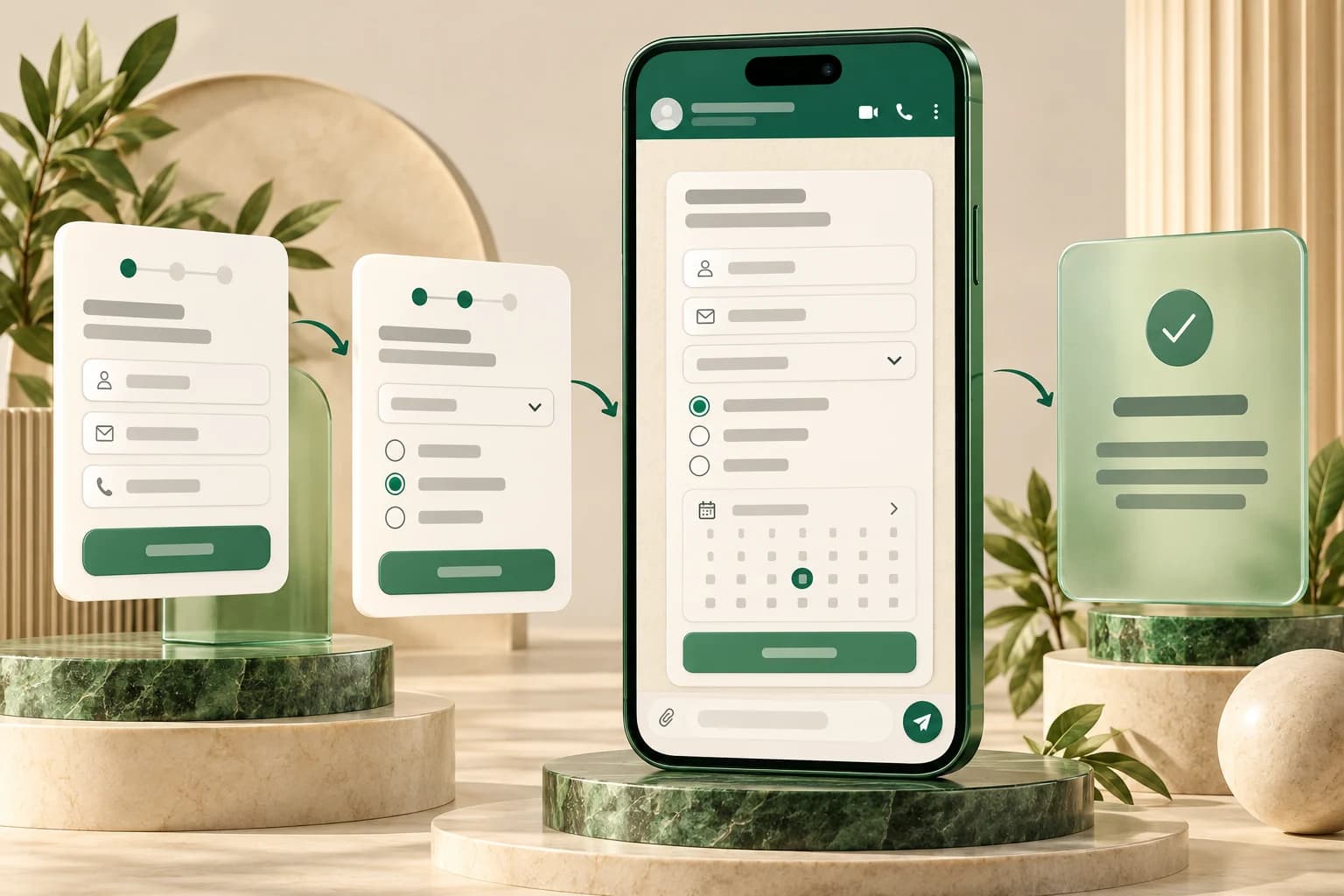
Collect Structured Information Inside WhatsApp
Give customers a clear form to complete as part of a WhatsApp conversation. Meta WhatsApp Flows let you guide people through multiple screens with text fields, selectable options and dates, helping your team collect consistent information instead of asking a long series of separate questions.
WACM brings Flow creation, visual editing, JSON upload, preview and publication into one workspace. Prepare a lead enquiry, appointment request, support intake or feedback survey, then choose the form's opening screen and message when sending it to a contact.
Build Forms with Screens and Components
Create a Flow with a name and category, then open the form builder. Add screens, organize fields inside forms, and configure the next step or final screen. Use headings and helper text to explain what the customer should provide.
- Text and phone fields: Collect written answers and contact details with configured labels and required fields.
- Dropdowns and choices: Use dropdowns, radio buttons and checkbox groups for structured selections.
- Date selection: Add a date picker for a requested appointment or other date-based information.
- Multi-screen navigation: Guide customers between screens and finish with a terminal screen.
- Consent and context: Include explanatory text, images, links and opt-in components where appropriate.
A form captures the details your workflow asks for. Confirming an appointment, checking live availability or updating another business system requires the corresponding business logic and integration.
Visual Editing or Flow JSON Upload
Use the visual builder for form composition, or upload a Flow JSON file prepared by your developer. WACM checks the basic screen structure and the builder checks issues such as missing screen identifiers, invalid navigation targets and a missing final screen.
Save and upload the definition to the connected Meta account, then review any validation errors shown on the Flow details page. Advanced data exchange can use a configured endpoint; its business logic and account configuration need to be tested separately from the screen layout.
Preview Before Publishing
Check the screen layout in the builder and refresh the Meta preview link to review the customer experience. Test the field labels, choices, required inputs and screen navigation before publishing. WACM displays the Flow's status and available validation feedback so your team can see what still needs attention.
Publication is presented as an irreversible action in the app. Finalize and test the form first, then publish when it is ready. You can also sync Flows from Meta and deprecate a Flow when it should no longer be used.
Send the Right Form with a Clear Call to Action
Choose a contact, supply the message body, and configure optional header and footer text. Set the button label and opening screen, select draft or published mode for the intended test or customer journey, and include a Flow token or initial JSON data when your integration needs it.
Published Flows can also be selected for supported Flow buttons in the template import workflow. When transferring template definitions between accounts, choose a published Flow that belongs to the destination account rather than reusing the original account's Flow identifier. Delivery still depends on the connected account, message type and applicable WhatsApp messaging requirements.
Useful Forms for Everyday Customer Conversations
- Lead enquiries: Ask about the product, service or location a customer is interested in.
- Appointment requests: Collect the preferred date and relevant contact details for follow-up.
- Support intake: Gather the issue category and description before your team responds.
- Feedback surveys: Offer consistent answer choices and space for comments.
Meta WhatsApp Flows provide the customer-facing form screens. WACM's AI Flow Builder manages conversation automation and business actions. Your configured workflow determines how form data is processed and what happens next; creating a form does not automatically create a reservation, order or CRM update.
Read the WhatsApp Flows setup guide, review your WhatsApp account setup, or book a demo to plan the screens and follow-up your team needs.
Ready to Use This Feature?
Our experts are here to show you how Meta WhatsApp Flows & Interactive Forms can transform your business communication.
Request a Consultation